
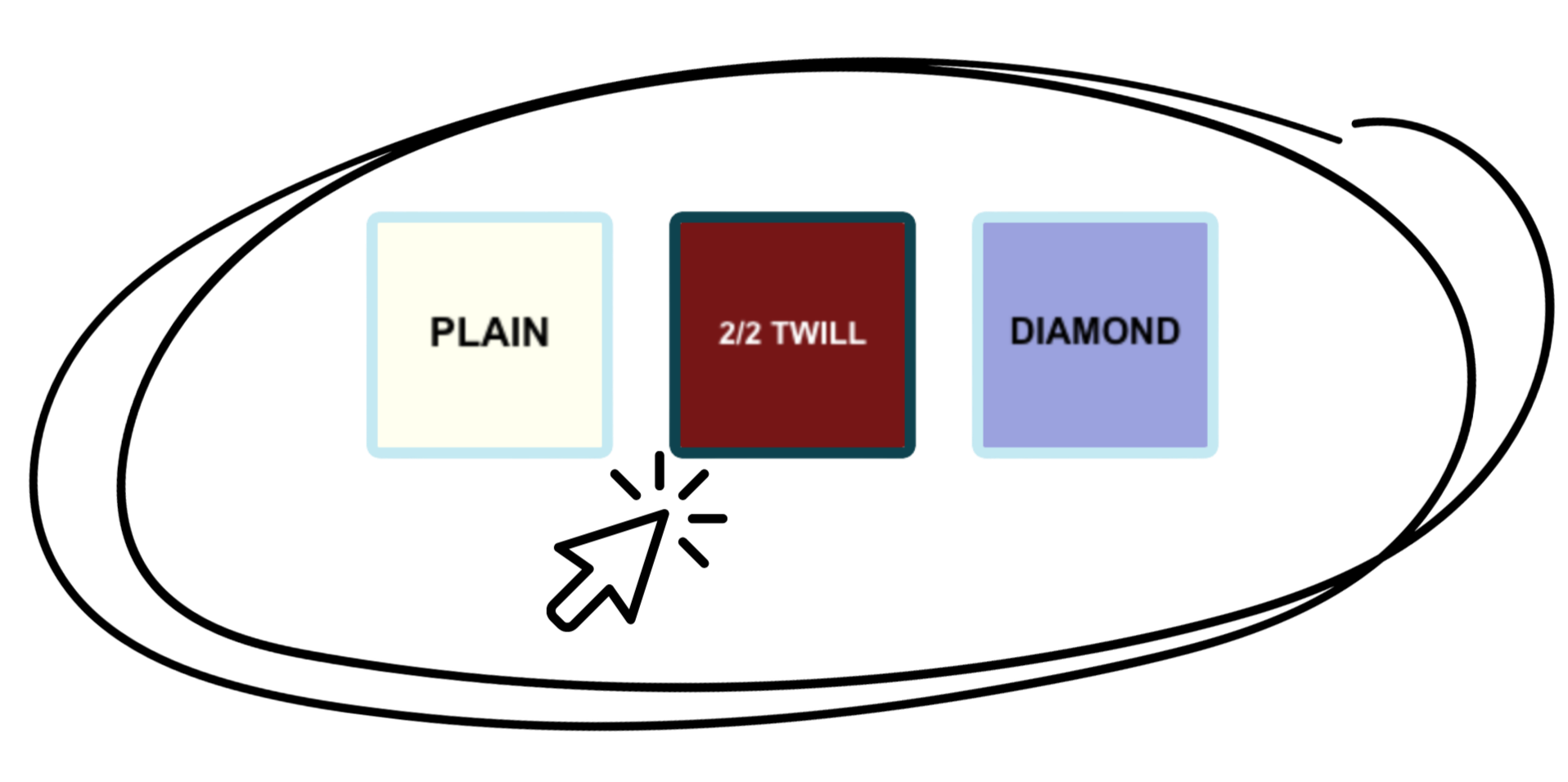
pattern picker for plain, twill, and diamond bars
Begin by choosing a color from the palette. You can also click on the circle to choose a custom color. Full instructions are at the bottom of the page.
current color
(click to customize)
Use the sliders to change the thickness of the warp and the weft.
warp thread width
weft thread width
Order of bar positions (treadling sequence), starting from the bottom
How to use the pattern picker:
Choose a pattern (plain, twill, or diamond) by clicking on it.
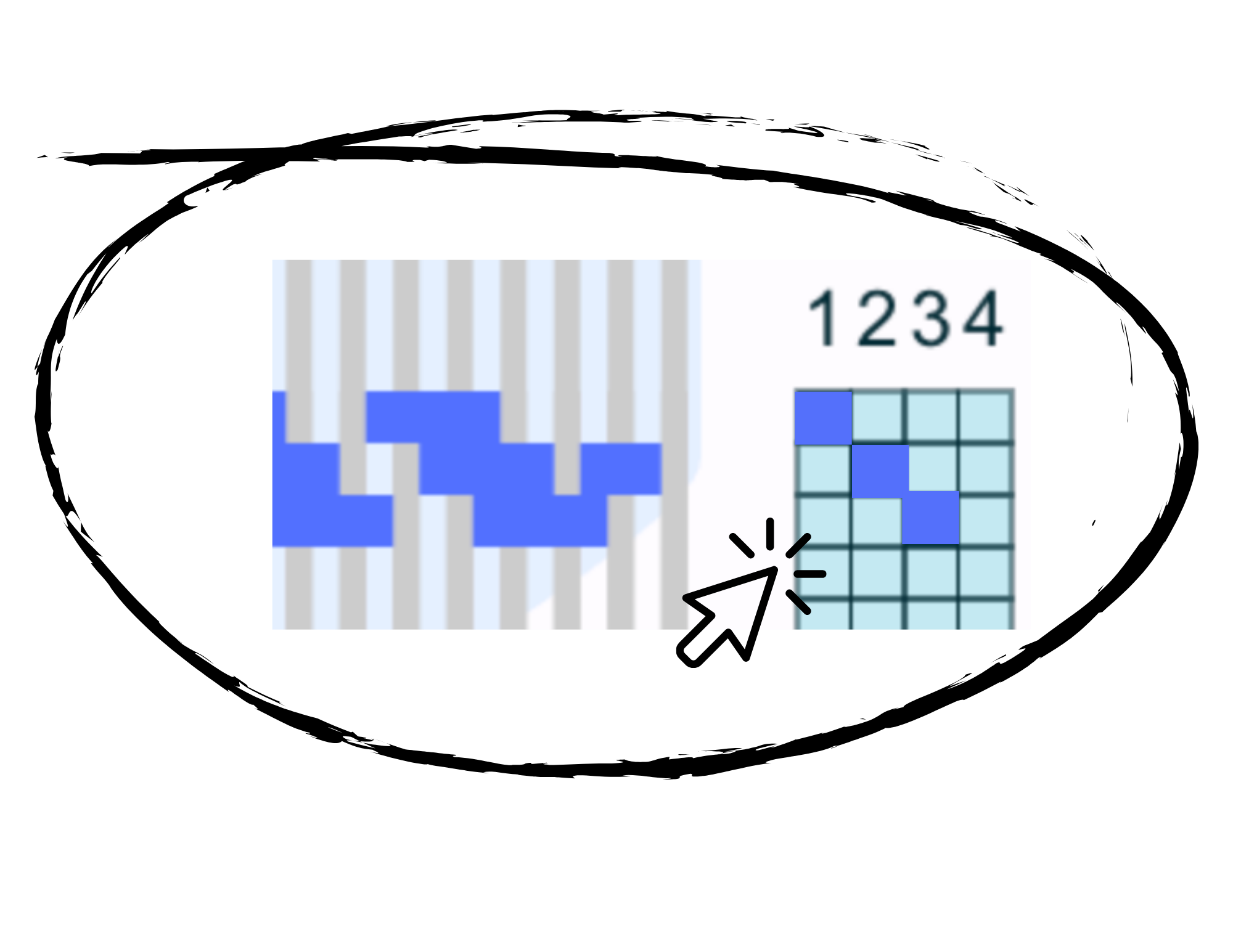
To “weave” a row, click on one of the squares in the grid on the right side. For example, to weave a row in bar position one, click on a square in column one. You can add a row anywhere from top to bottom, but remember that in real life your weaving will start at the bottom.
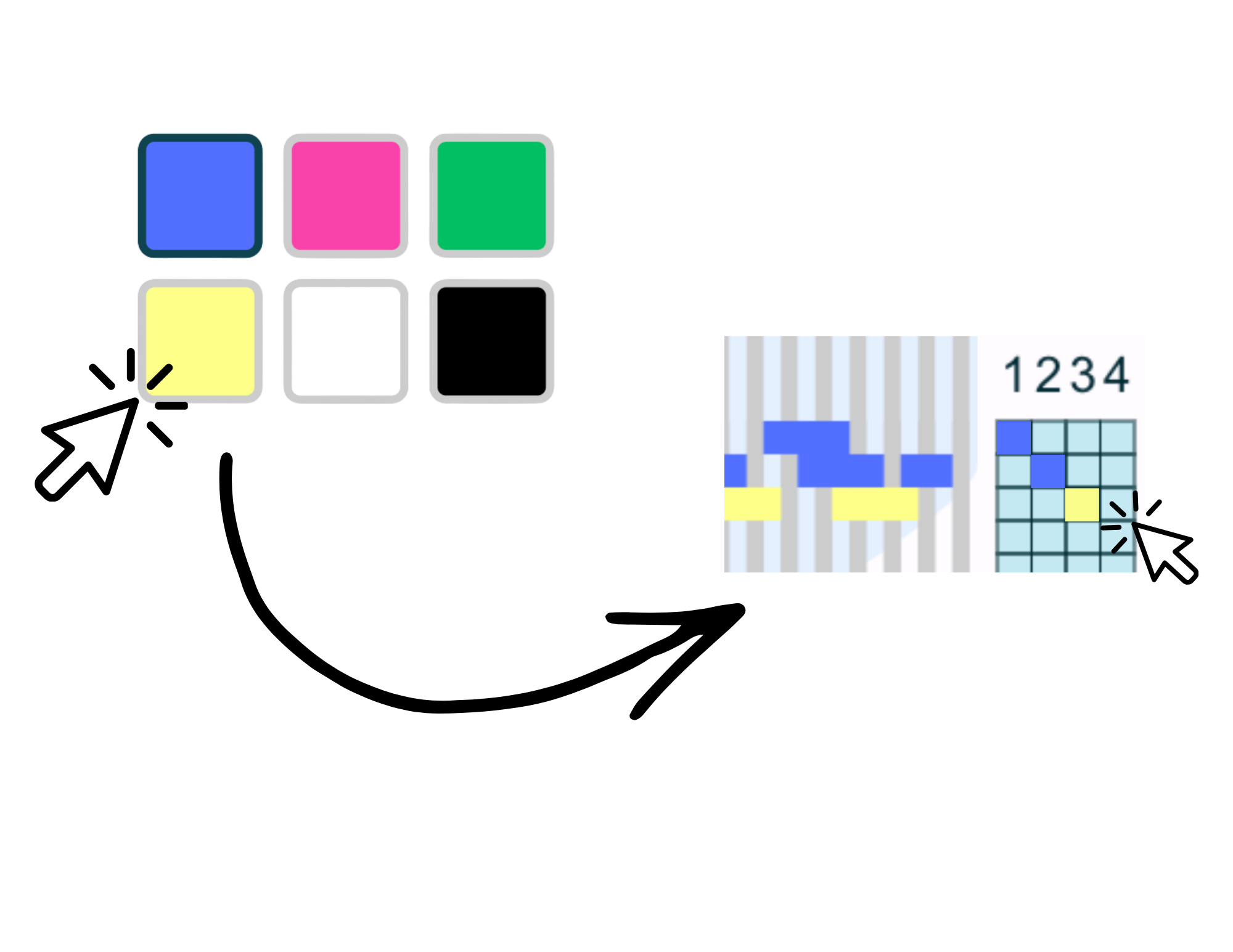
The starting color of the weft (rows) is blue and the starting color of the warp (columns) is grey. To change colors, click on a color in the palette, then click on the square in the grid. The first click will clear the row, and the second click will add the new color.
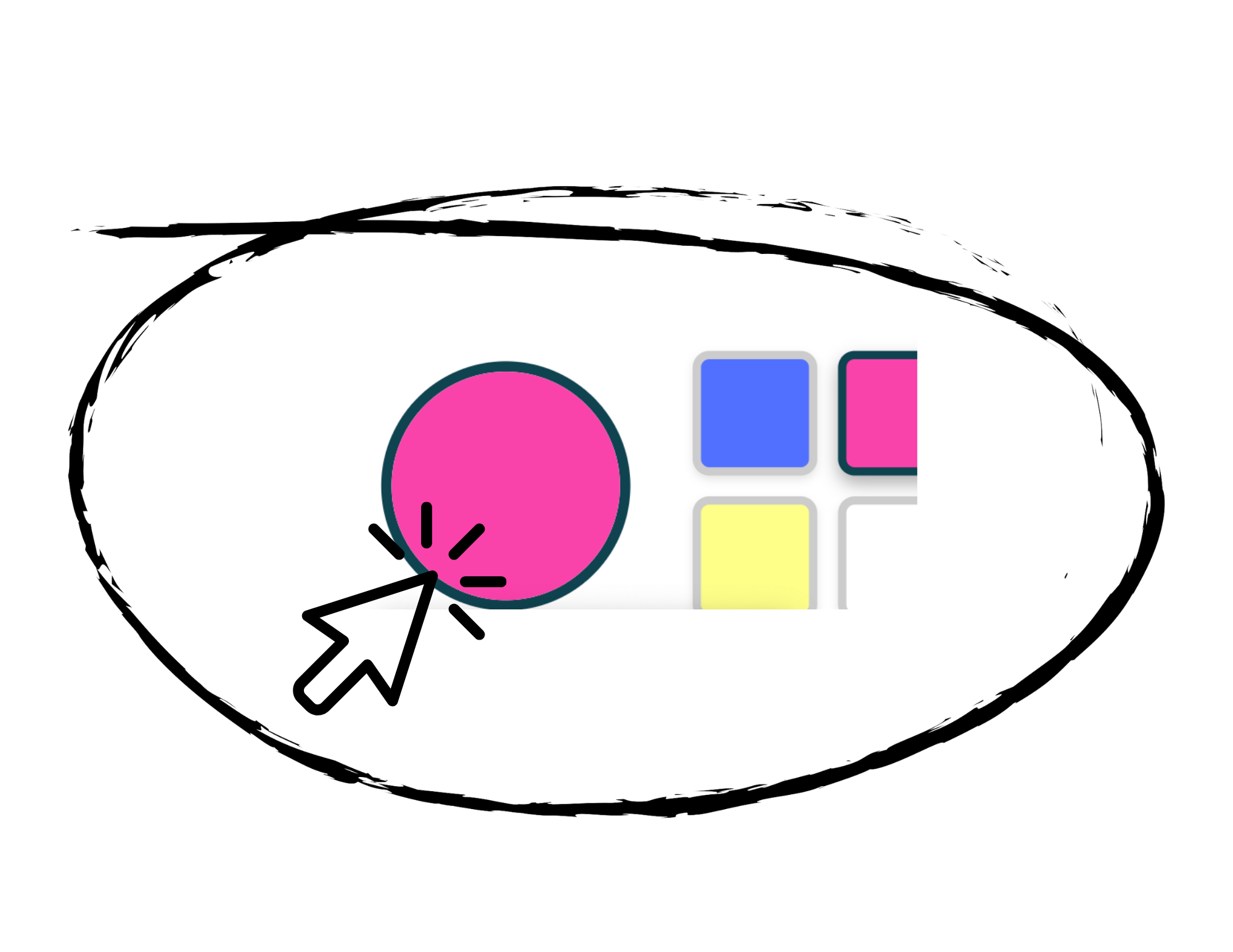
The color in the circle is the working color. To choose a color that is not one of the pre-set colors, click on the circle to bring up a custom palette.
To change the thickness of the lines, for example to imitate using yarn for the warp instead of thread, use the sliders at the bottom.
When you’re done, the numbers in the box below the loom are the code to your pattern! Use those bar positions with your boomloom to weave your design in real life.
Experiment!
See what happens when you weave rows in order: 1, 2, 3, 4, 1, 2, 3, 4
Now see what happens when you reverse: 1, 2, 3, 4, 3, 2, 1, 2, 3, 4
What happens when you weave two or three rows in the same position? Try 1, 2, 2, 3, 3, 3, 4, 4, 4, 4, 3, 3, 3, 2, 2, 1
Try the other pattern pickers!


With thanks to Ferenc Beleznay, a Hungarian mathematician, who contributed code for this tool. See his work and his wife’s weaving at http://keziszovo.com/en/